
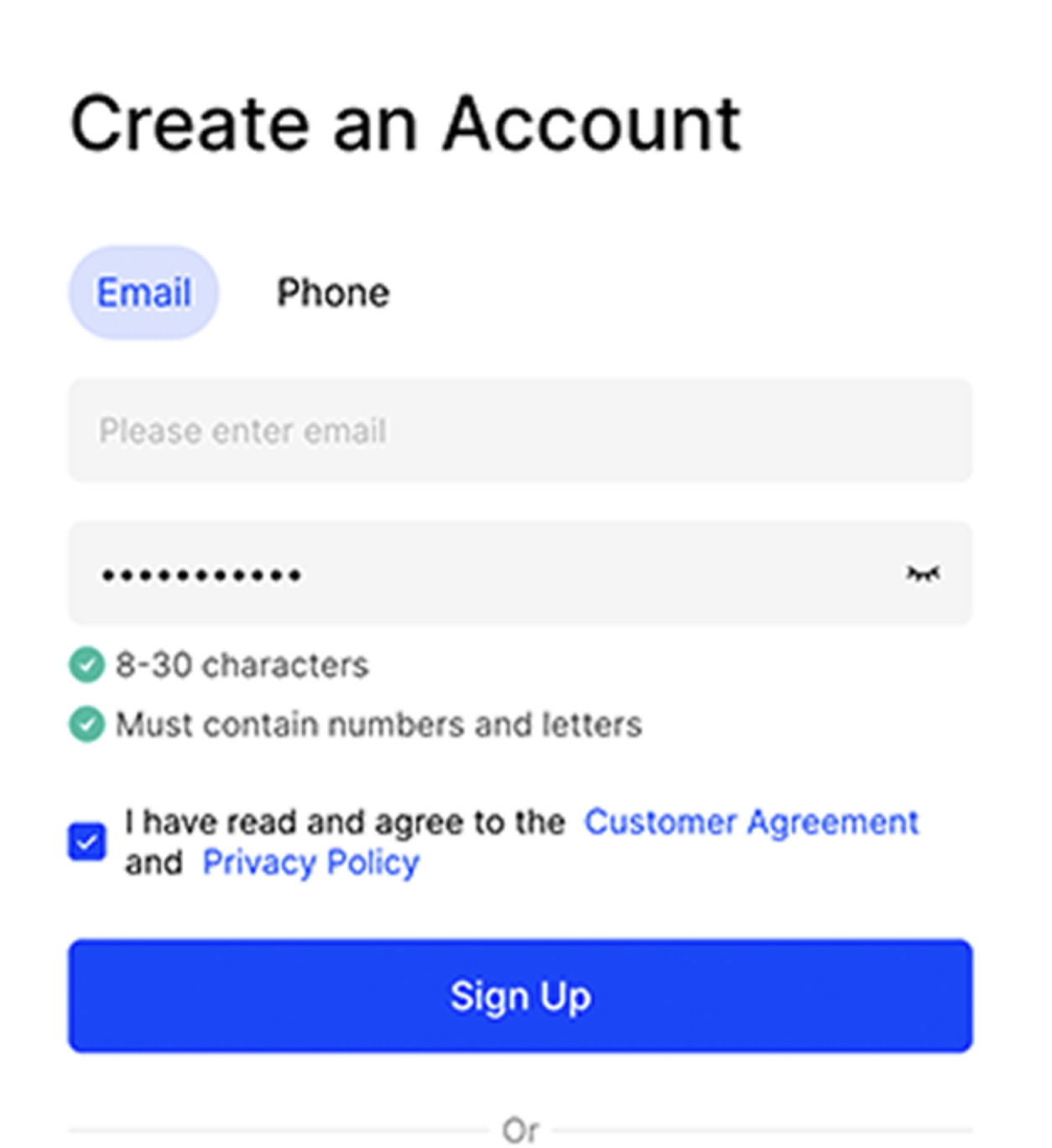
Enter Sign-up Information
You can sign up using your email or mobile phone number. Please set a password of at least 8 characters, including both letters and numbers.
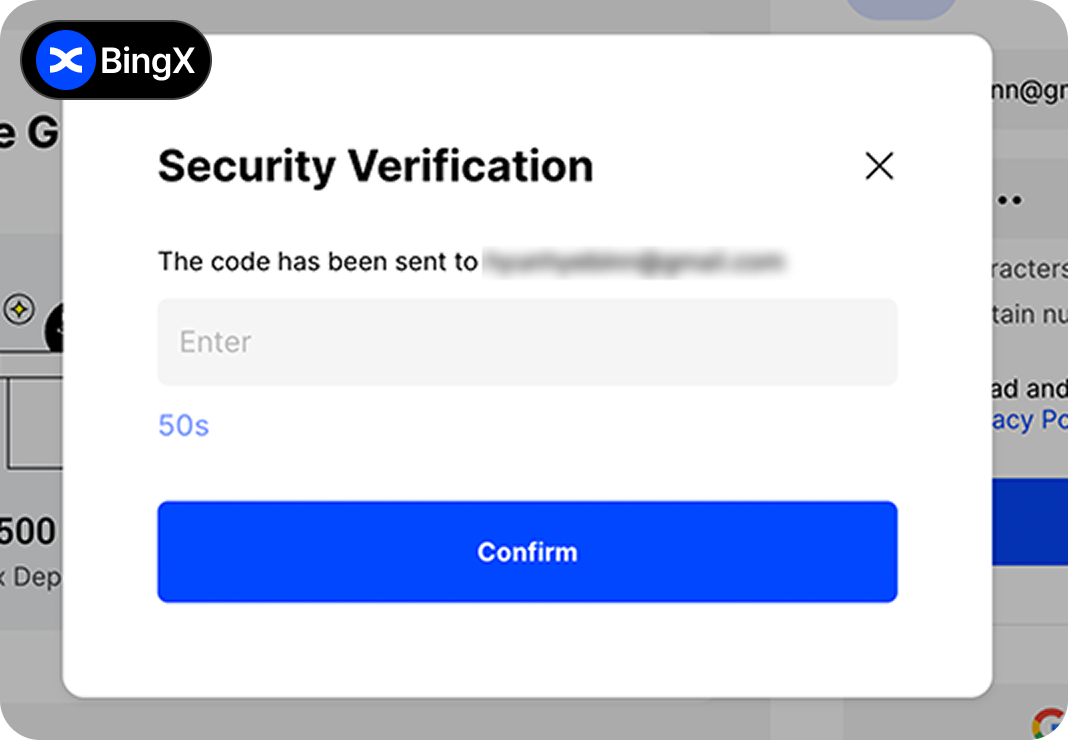
Email Verification
Please check the verification code sent to the email address you used for sign-up and enter it.
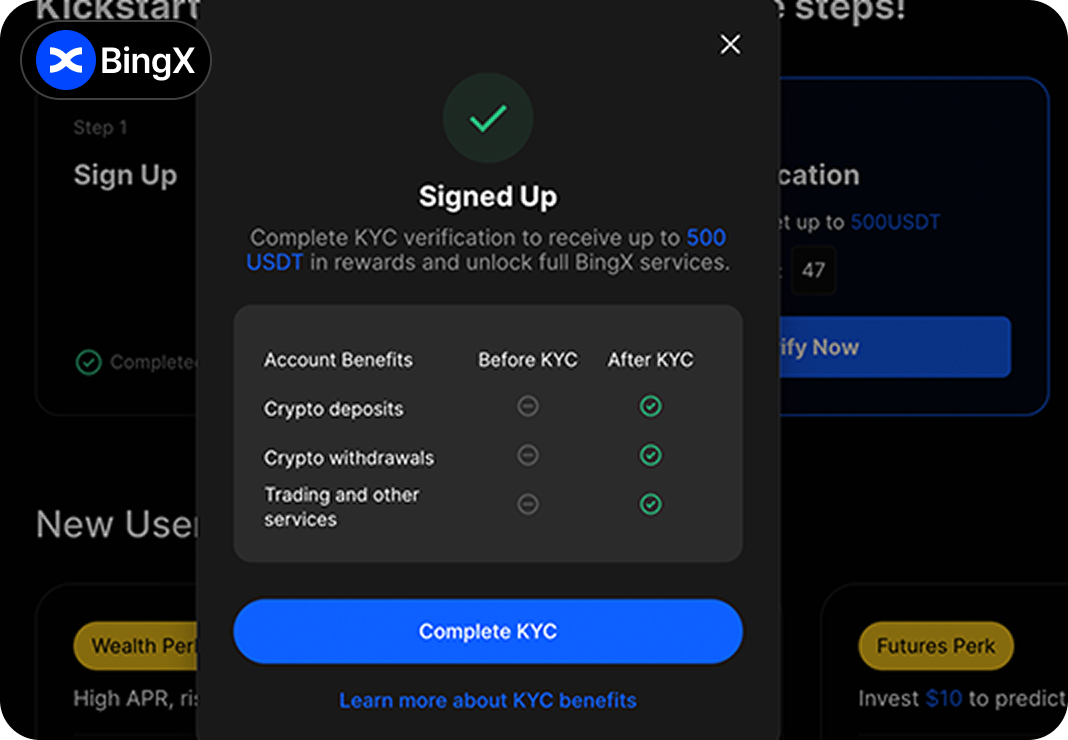
Enter Referral Code
After completing the sign-up, you need to enter a referral code.
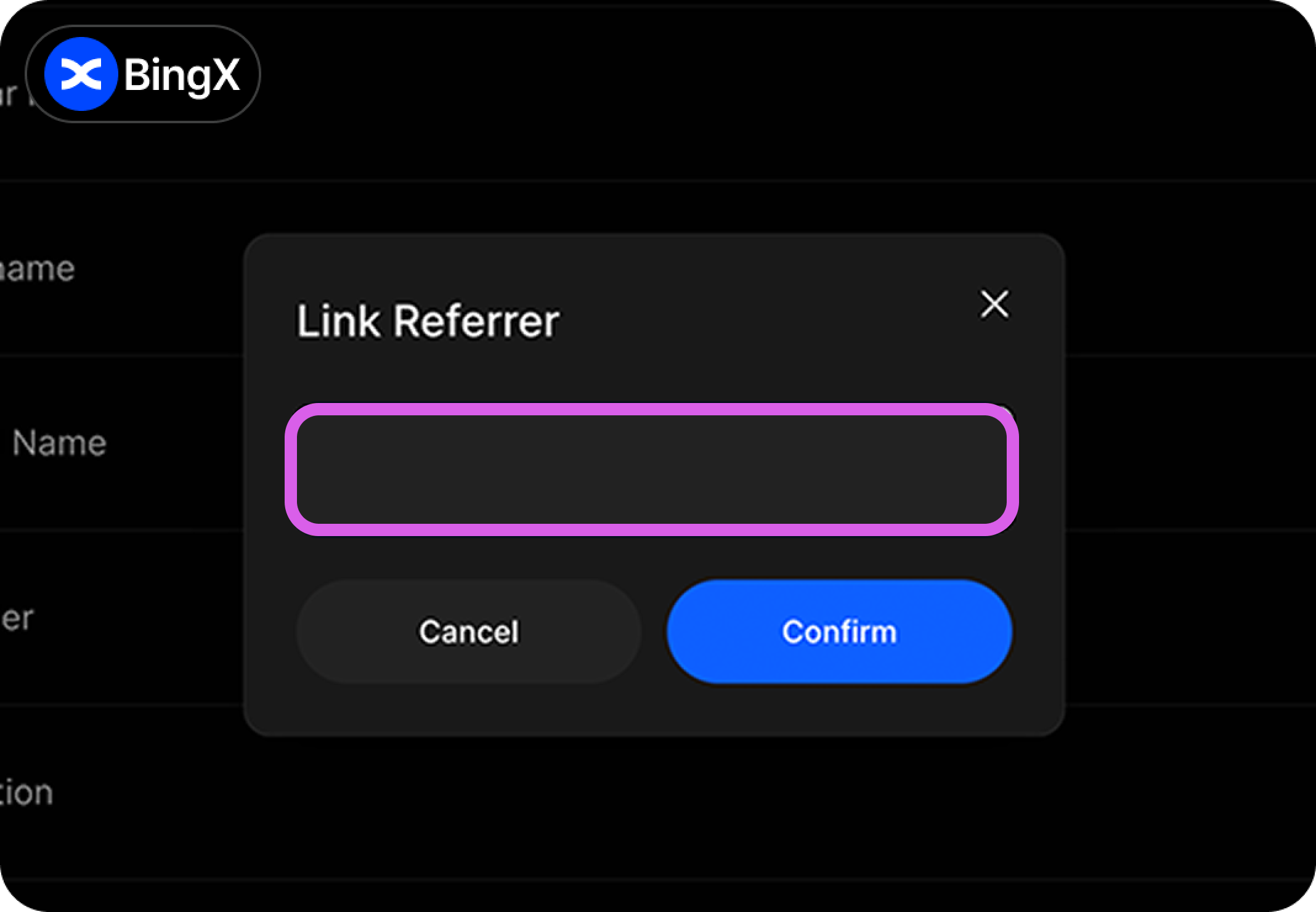
Enter Referral Code
Click the person icon, then go to Personal Information -> My Referrer and enter "Heymore."
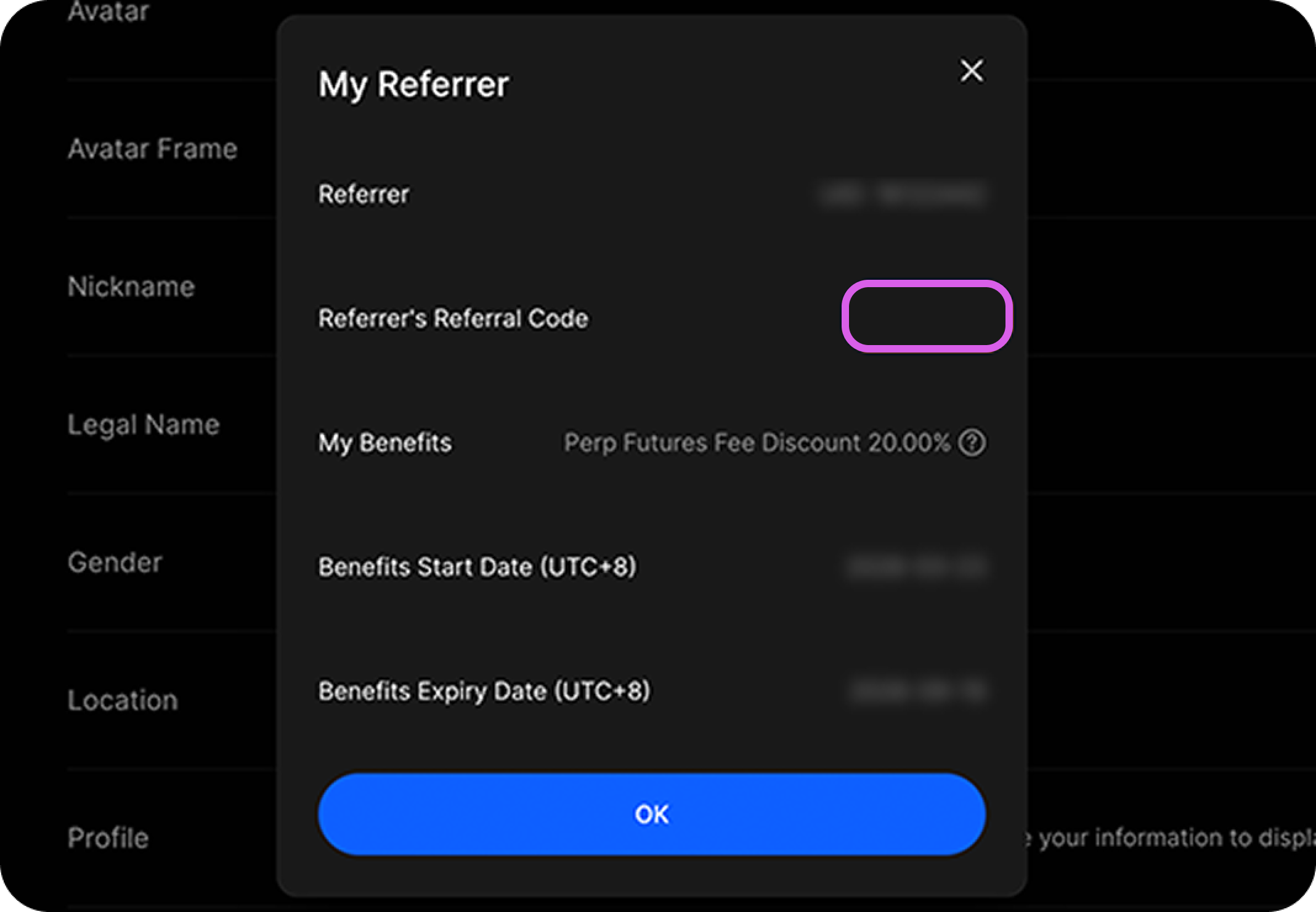
Check Referral Code Application
If the "Heymore" code is entered in My Referrer, your sign-up with the referral code has been successfully completed.