
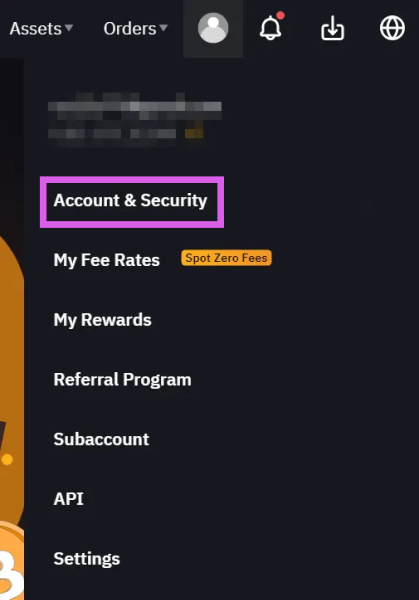
Access Account
Click the profile icon in the top right corner and select the "Account & Security" menu.
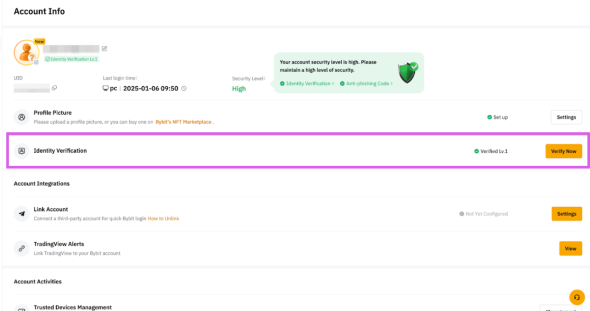
Access Identity Verification
Click the [Verify Now] button next to "Identity Verification" in the list.
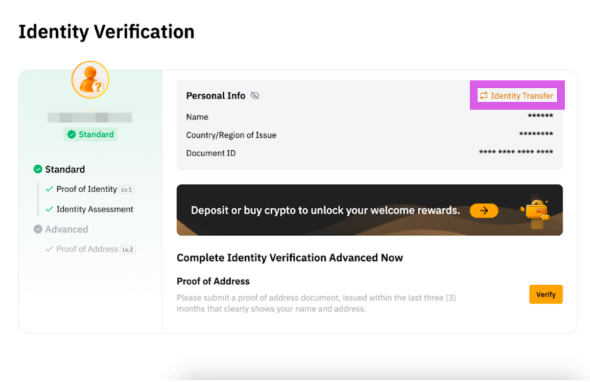
Click "Identity Transfer"
Click the [Identity Transfer] button under Identity Verification in the list.

Facial Verification
Follow the instructions to proceed with face verification.
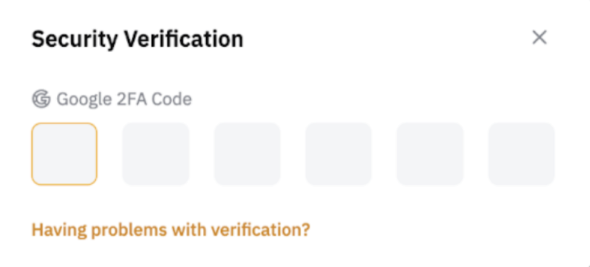
Proceed with Additional Verification
Follow the instructions to proceed with additional verification.
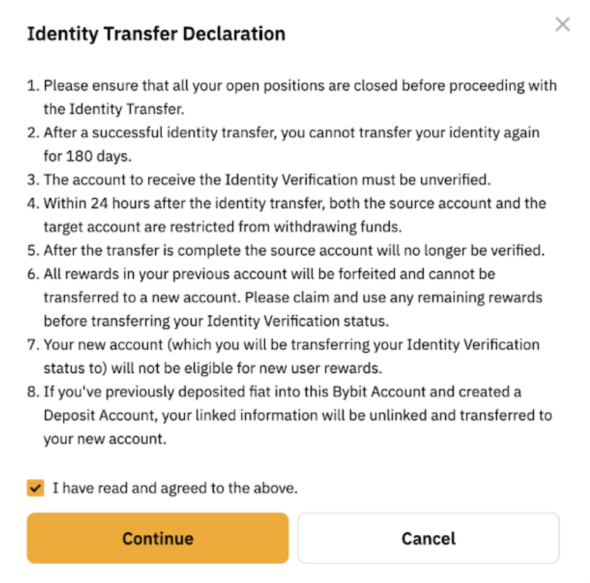
Continue
Click [Continue] to proceed with the process.
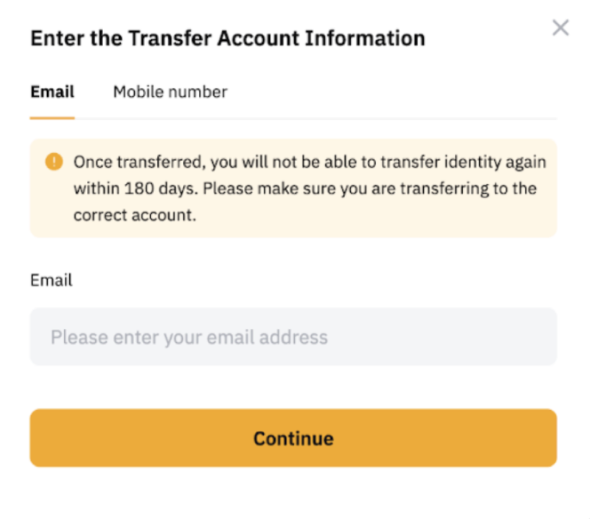
Enter New Account Information
Enter the information for your new account registered with the Heymore code, then enter the verification code.
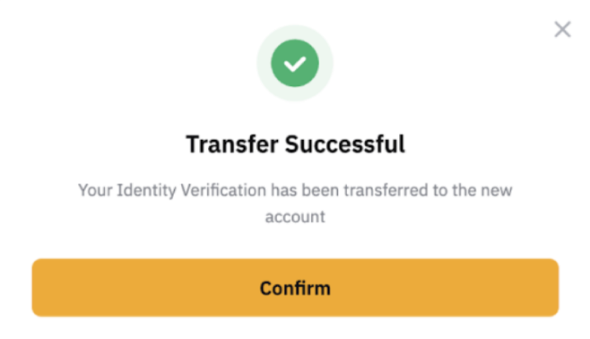
KYC change complete
Once the change is complete, verification on your old account will be deactivated, and your KYC information will be transferred to the new account.