
User Guide

How to change KYC

WOOX

Checklist before changing (deactivating) KYC

All assets withdrawnPlease confirm that all remaining assets, including coins and USDT, have been withdrawn from your account.
Unlink phone/email verificationPlease unlink your registered phone number and email for security integration.
Disable 2FA authenticationPlease disable 2FA security authentication such as Google Authenticator or Authy.
Delete API KeysIf you are using trading automation programs (API), please delete your API keys.

Contact Support Team

Please click the link below to access the page. WOO X Support Link

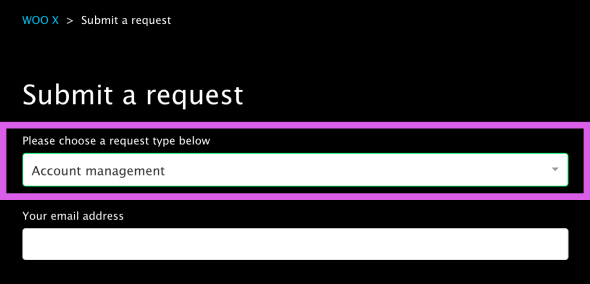
Fill in Details - Select Type

Select [Account management] as the request type.
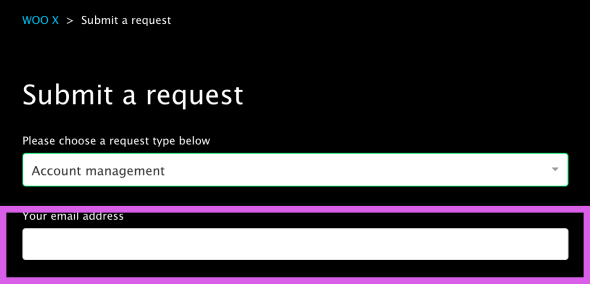
Fill in Details - Enter Email

Enter the email address associated with your WOO X account.
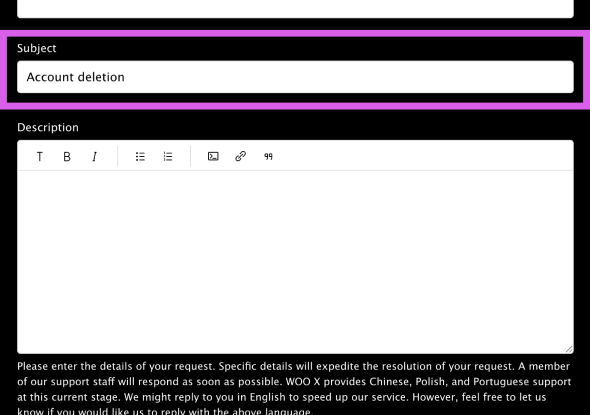
Fill in Details - Enter Subject

Please write "Account Deletion" in the subject line.
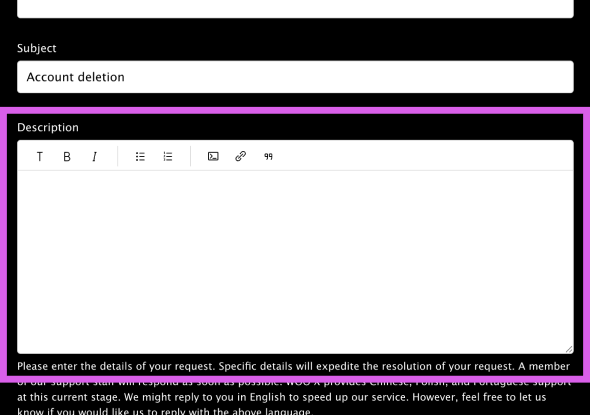
Fill in Details - Enter Description

Please enter the relevant details in the description.
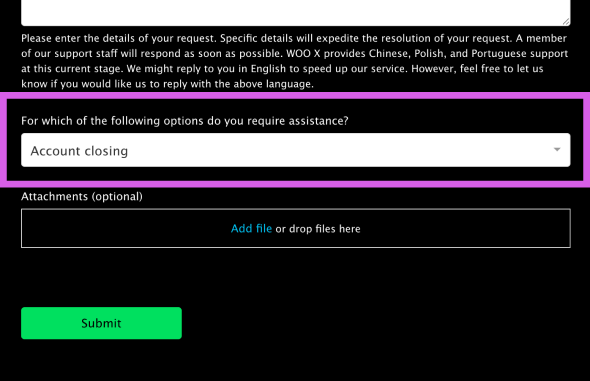
Fill in Details - Select Support Option

Select [Account Closing] as the support option.
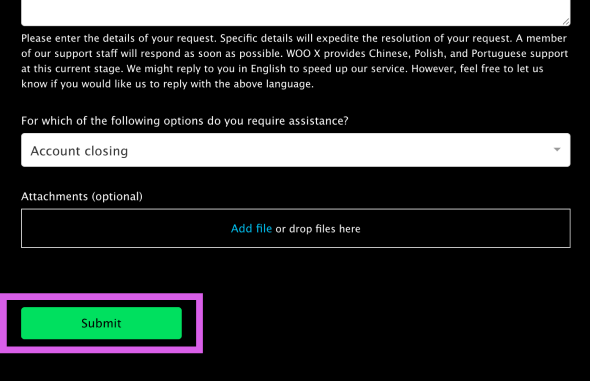
Submit

Click [Submit], and the support team will guide you through the next steps after reviewing your request.

After completing the account deletion

Once the account deletion is complete, please proceed with KYC verification again on your new account registered with the Heymore referral code.

Change WOOX KYC