
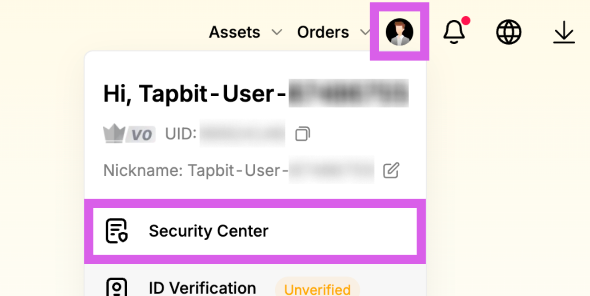
Access Security Center
Click the person icon at the top -> select [Security Center].
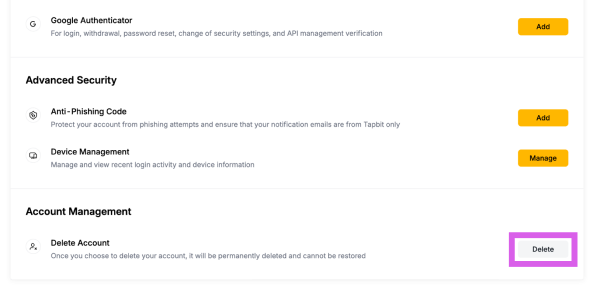
Access Security Center
Scroll to the bottom and click the [Delete] button to the right of "Delete Account."
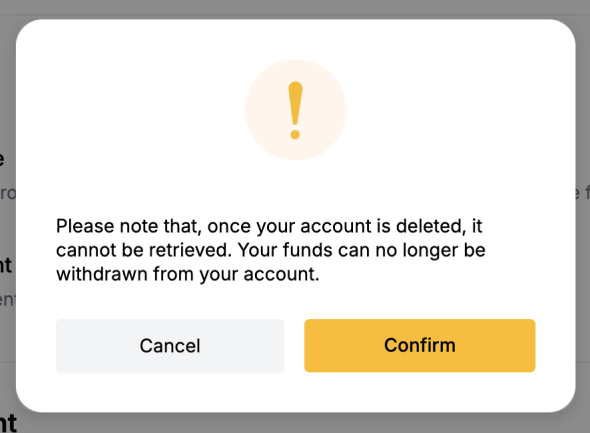
Proceed with Withdrawal
Click the [Confirm] button to continue with the withdrawal.
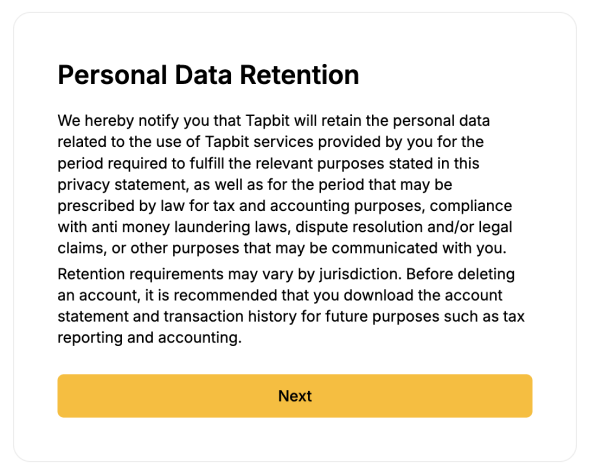
Check Instructions
Review the withdrawal instructions, then click the [Next] button to continue.
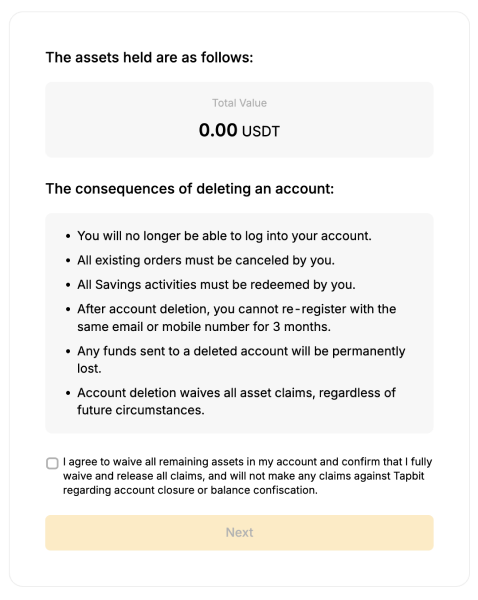
Check Balance and Agree
Check your balance, tick the agreement box at the bottom, and click [Next].
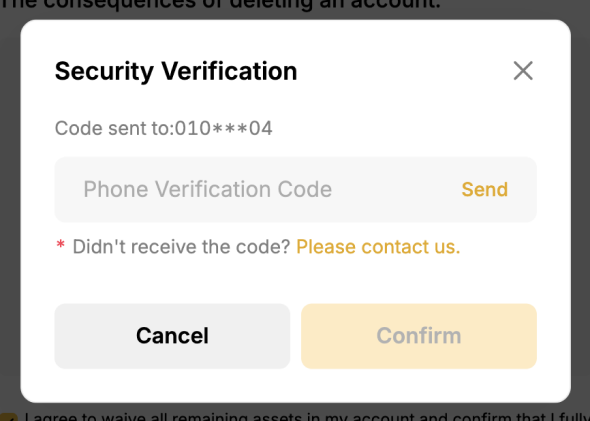
Security Verification
Enter the security code received through your verification method, then press [Confirm] to proceed.
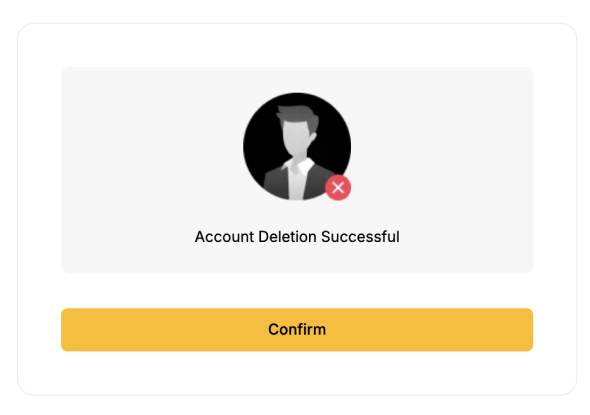
Withdrawal Complete
The account withdrawal has been successfully completed.