
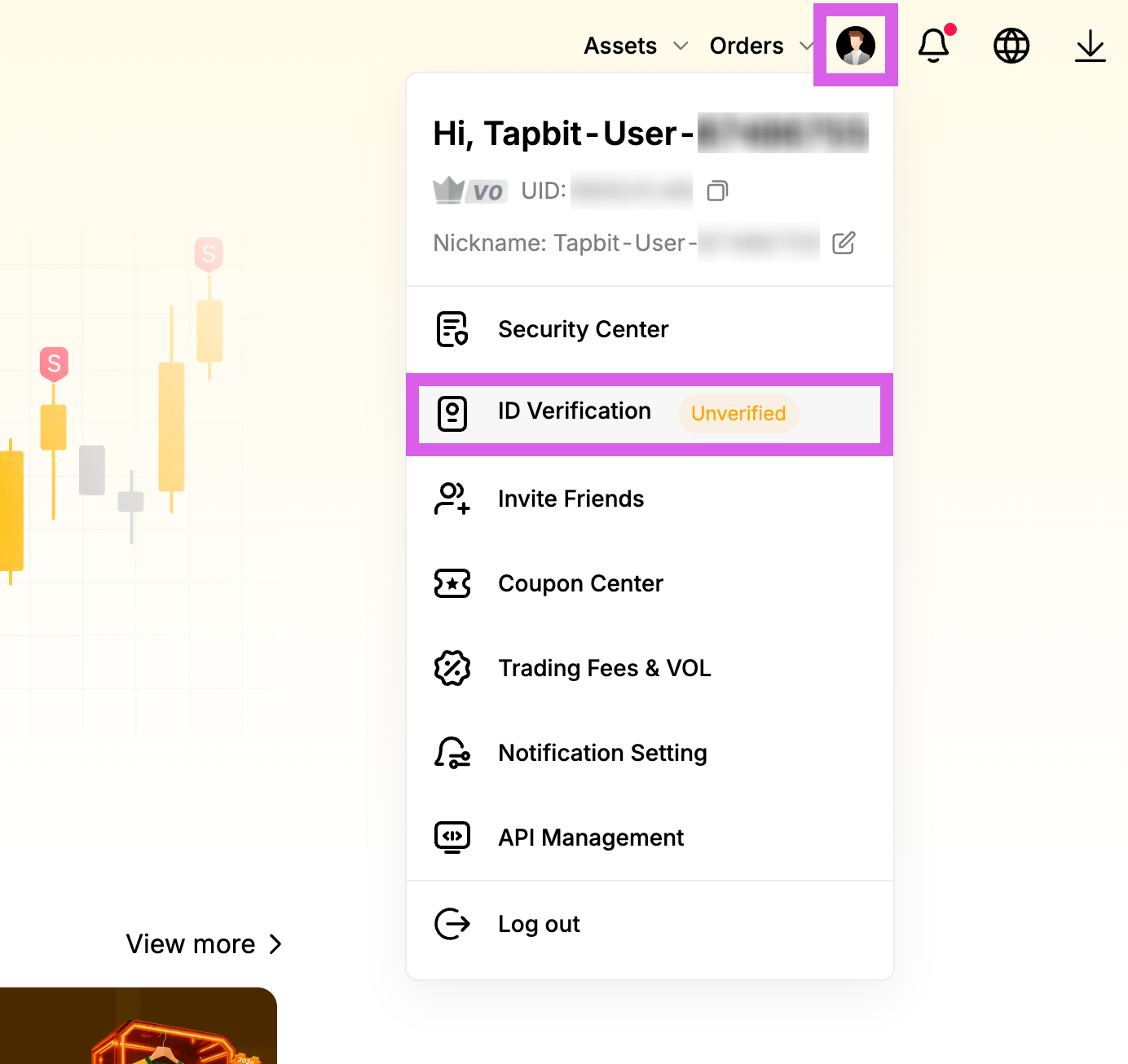
Go to ID Verification (PC Ver.)
Click the person icon in the top right corner, then select [ID Verification] from the dropdown menu.
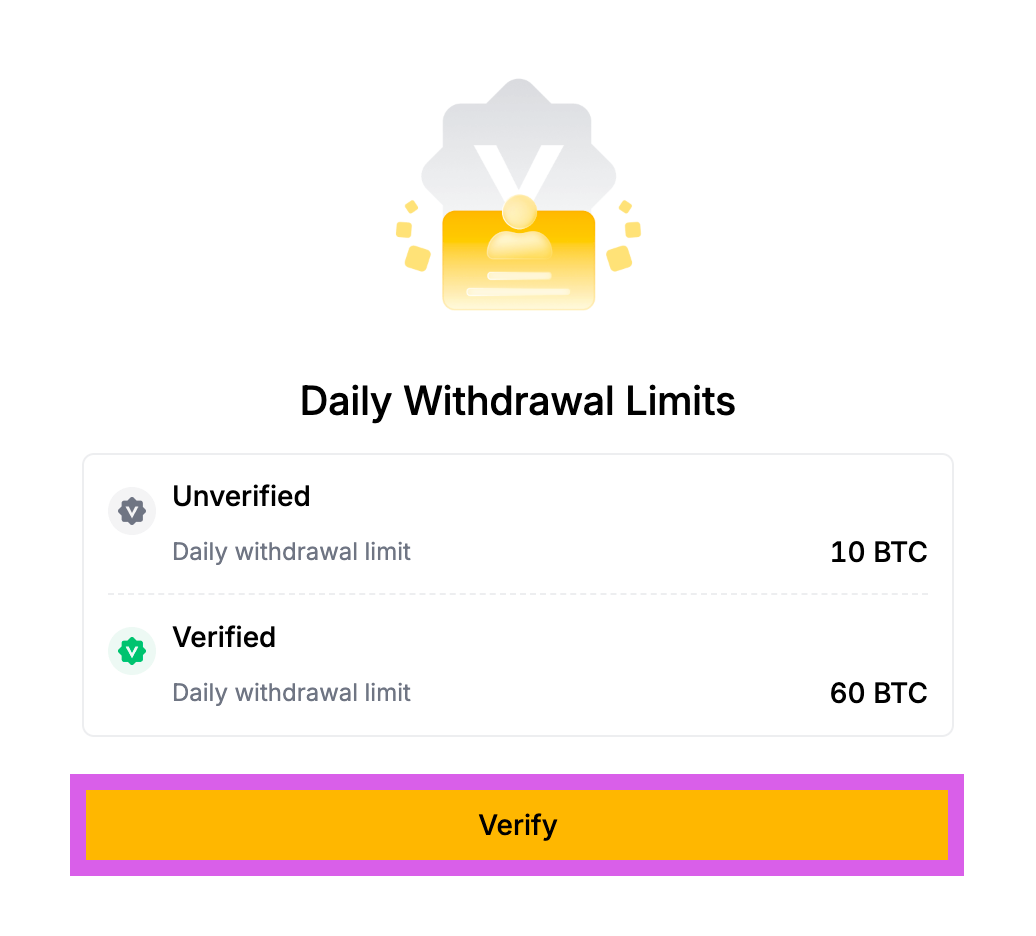
Start Verification (PC Ver.)
Click the [Verify] button at the bottom.
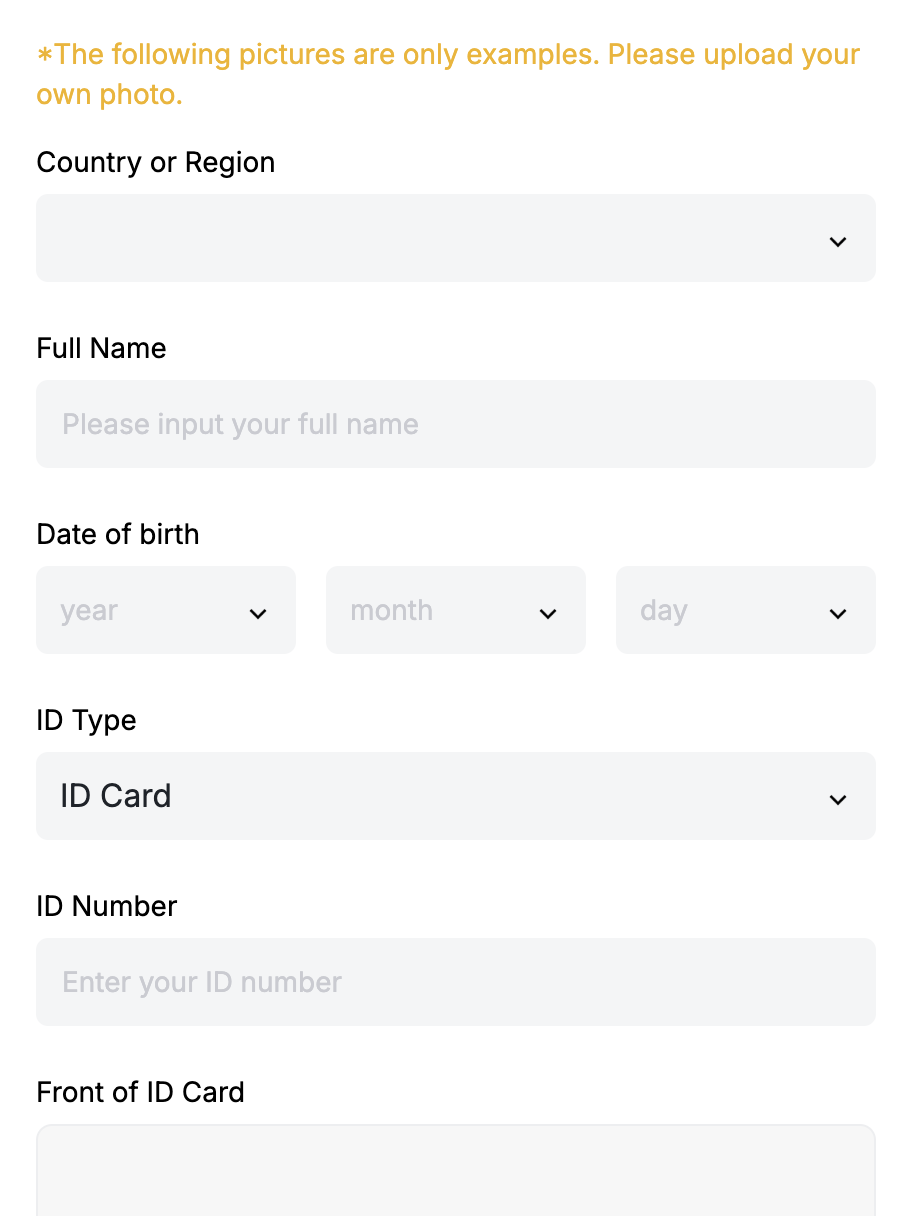
Select Country and Verification Method (PC Ver.)
Enter your name and date of birth, then select your country and verification method.
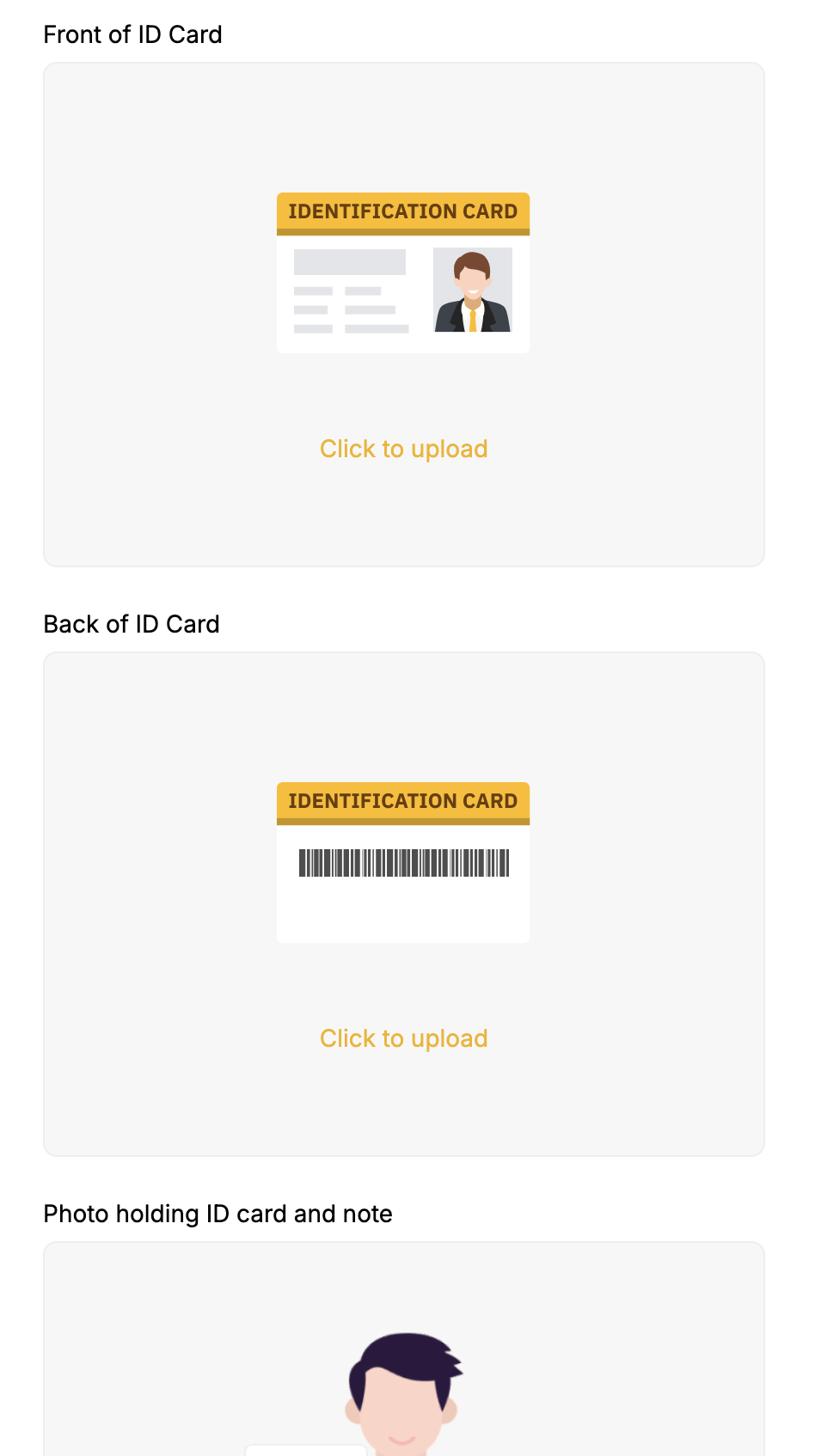
Upload Identification (PC Ver.)
Scroll down and upload the images of your ID. If the image resolution is low, the verification may not be completed successfully.
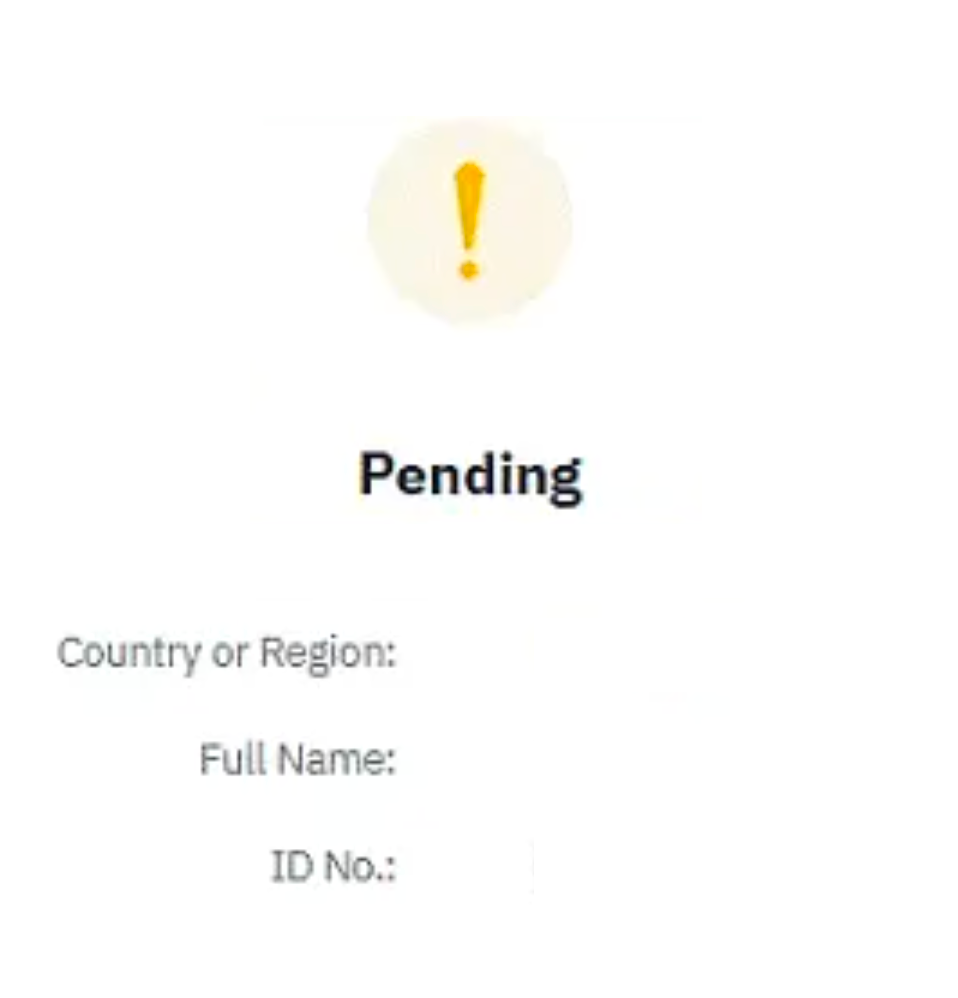
Submission Complete (PC Ver.)
Review will be completed within approximately 30 minutes after submission. A "KYC Verification Complete" message will appear upon approval.