
Binance

Cashback Rate (%)

55%

User Guide

Maker Fee

0.02%

0.02%

Taker Fee

0.04%

0.04%

Create Account

Cashback timing

Cashback accumulates after you sign up for an exchange and link it to your dashboard.

How to link your exchange

After signing up for an exchange, upload your UID and a photo of your USDT (TRX) wallet address on the Heymore dashboard. The link will be completed within 1 hour.

Important Note

Once you sign up for an exchange and link it to the dashboard, you can claim your refund through a cashback request after trading.
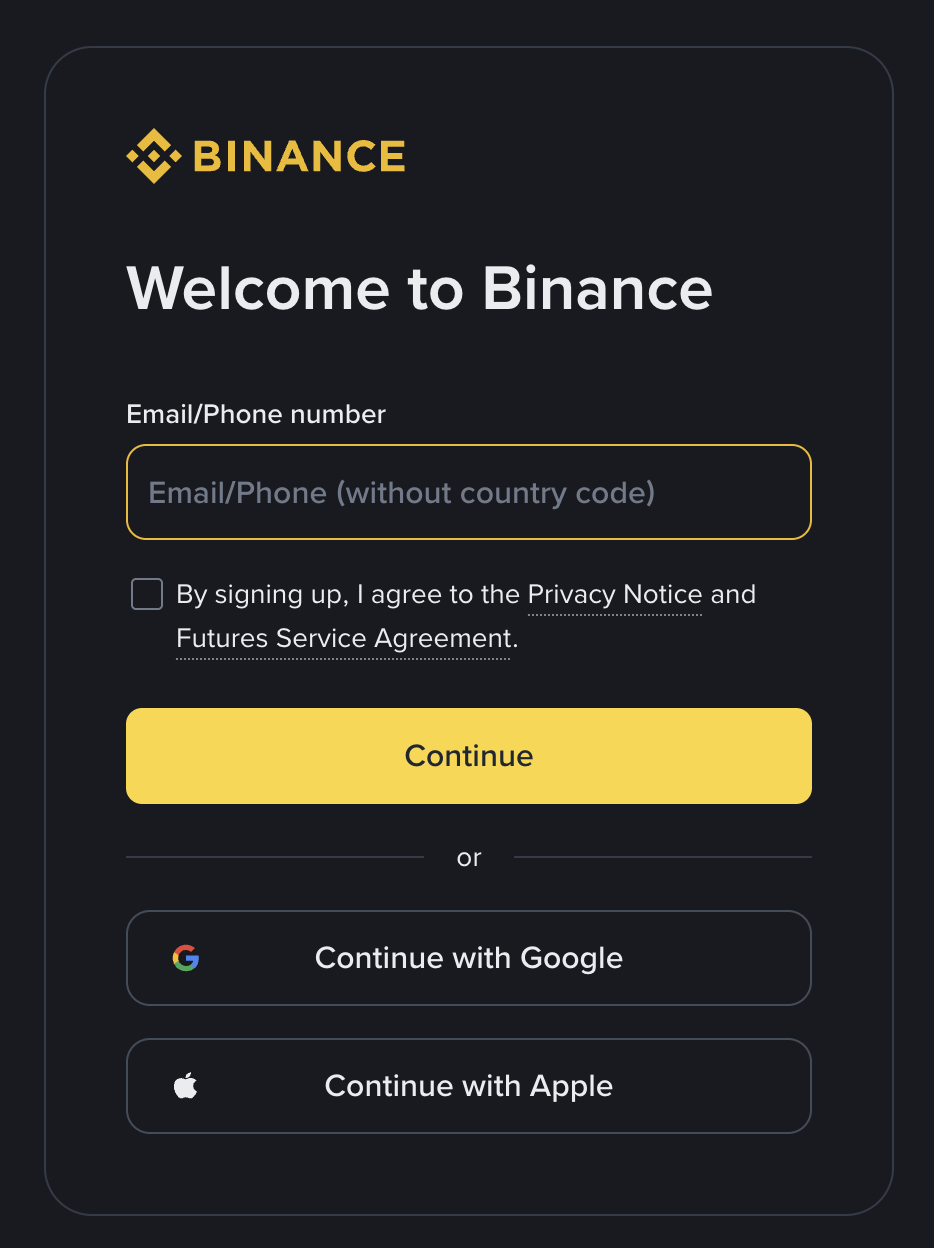
Sign up guide

Select the "Sign up with referral code" button below

First, click "Sign up with referral code" to go to the Binance registration page.

Select sign up method

Social login is available after agreeing to the terms, and standard sign-up is available via email or phone number.
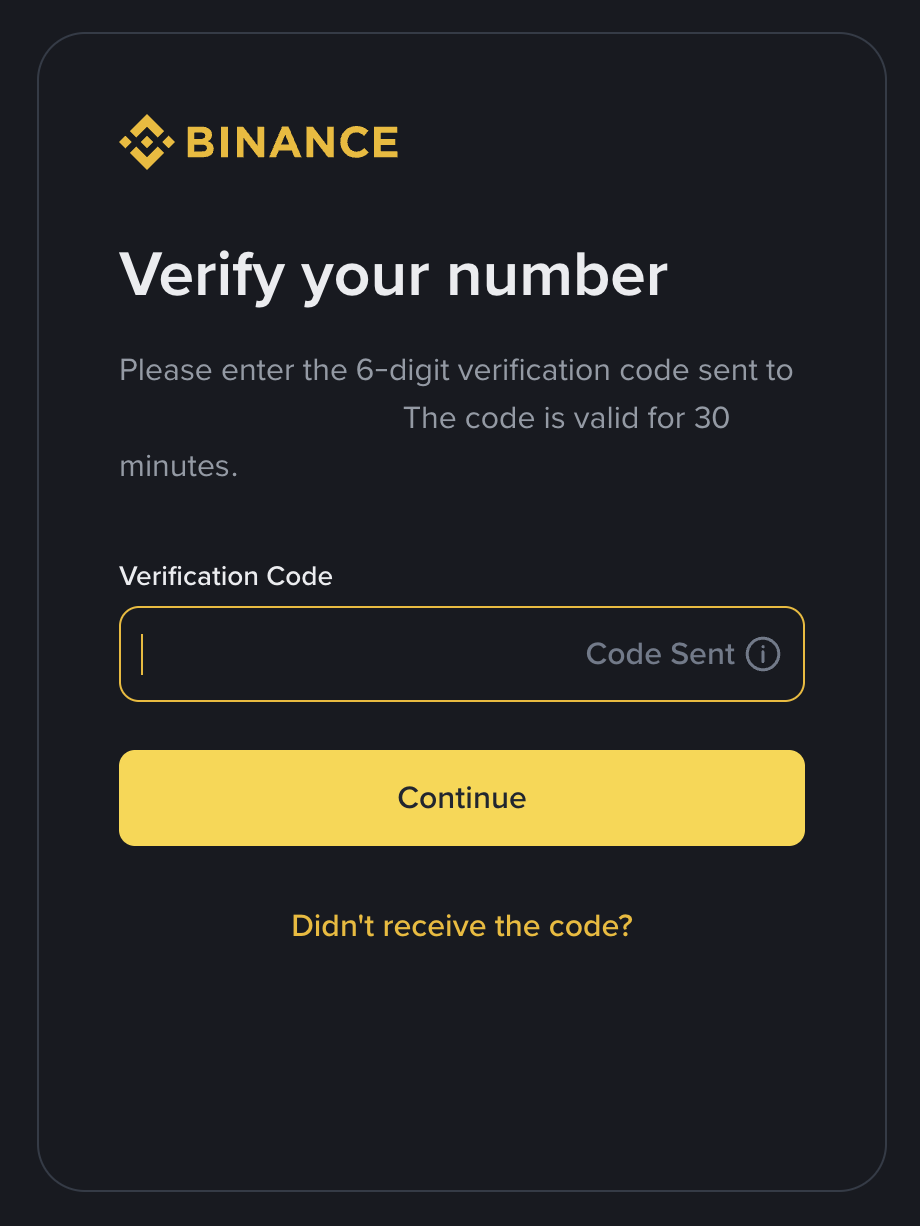
Enter verification code

Please enter the 6-digit verification code sent via email or text message.
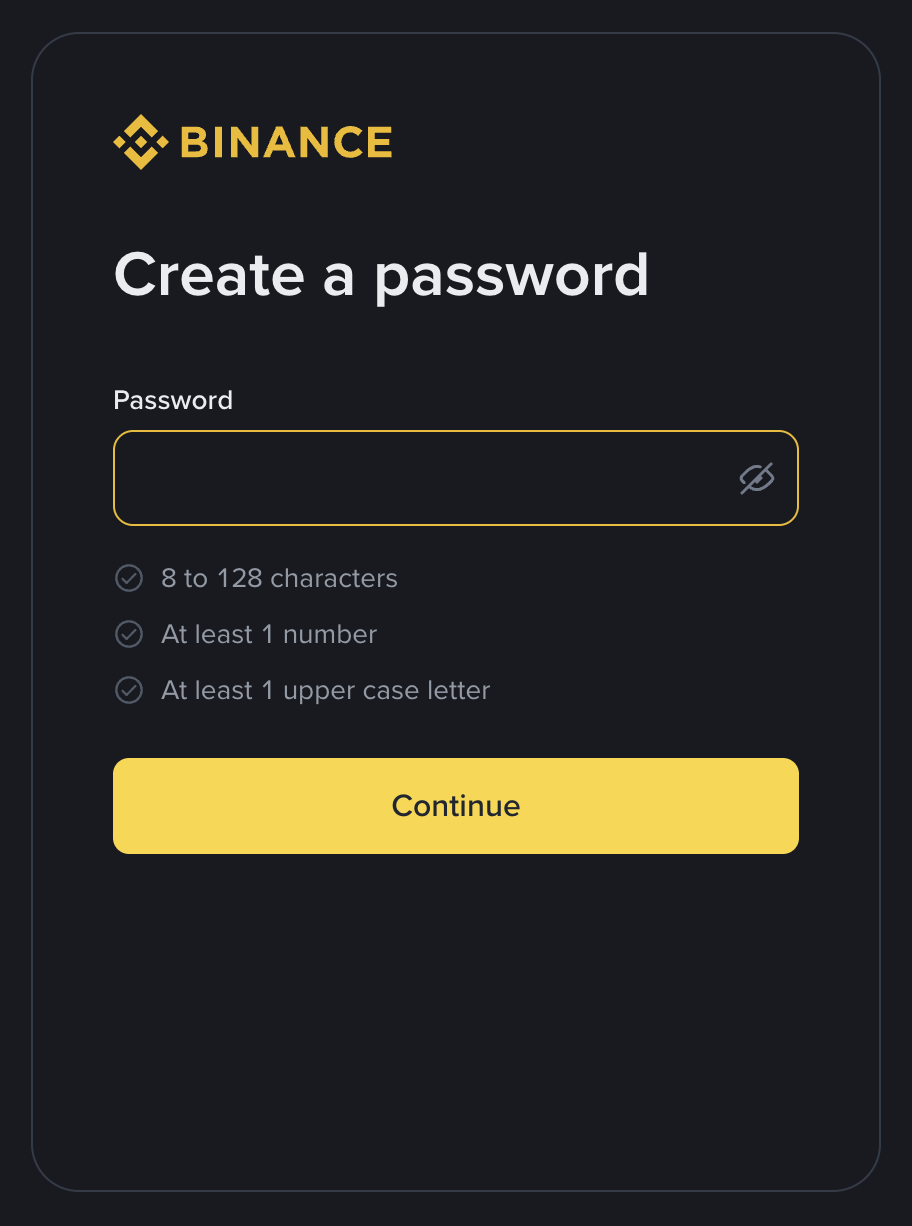
Set password

At least 8 characters, including at least one uppercase letter and one number.
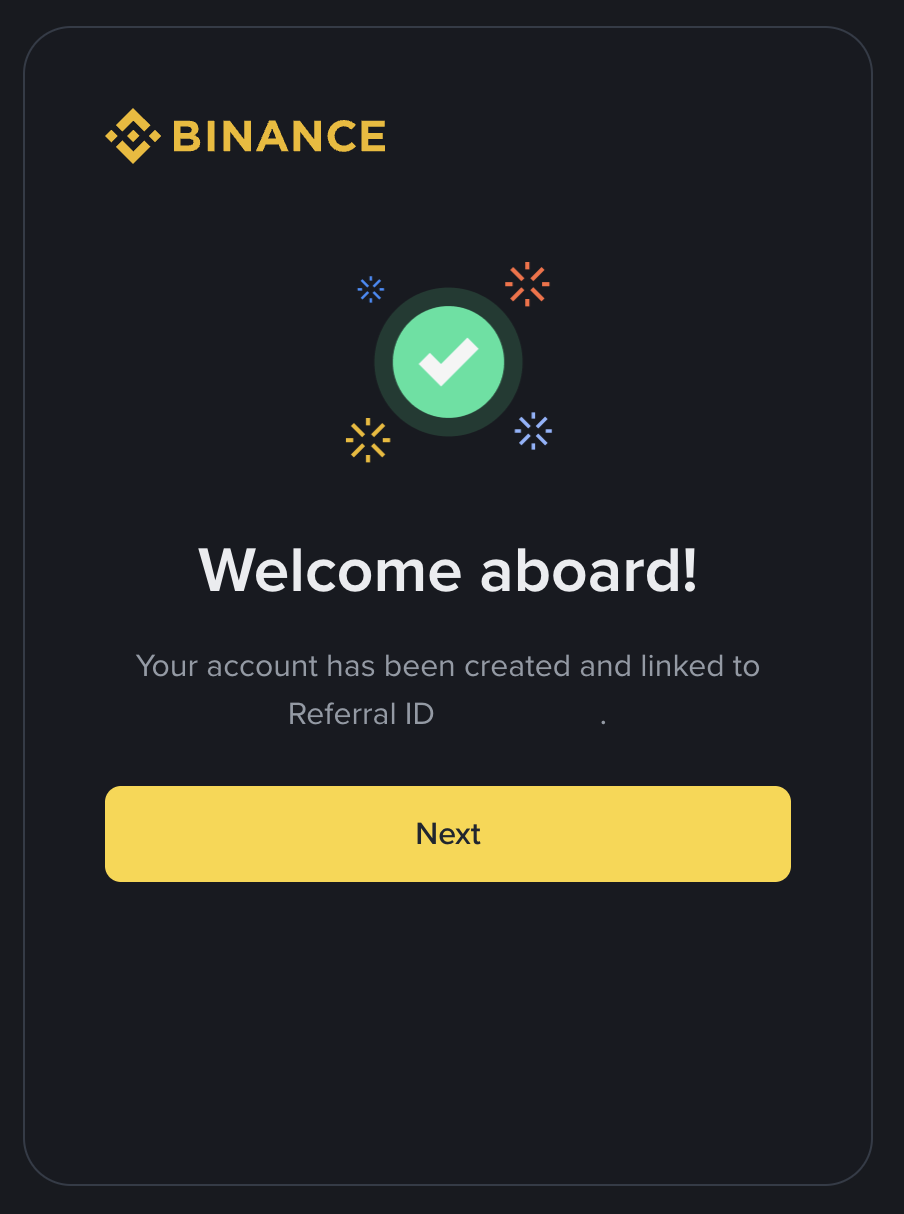
Check Heymore code

If the Heymore code is not entered during sign-up, Cashback benefits may not be applied.
How to verify KYC

How to link your UID

How to change KYC

Checklist before changing (deactivating) KYC

All assets withdrawnPlease confirm that all remaining assets, including coins and USDT, have been withdrawn from your account.
Unlink phone/email verificationPlease unlink your registered phone number and email for security integration.
Disable 2FA authenticationPlease disable 2FA security authentication such as Google Authenticator or Authy.
Delete API KeysIf you are using trading automation programs (API), please delete your API keys.

Precautions

This exchange does not directly support KYC changes. We recommend contacting customer support to check if KYC information can be changed or reset before deactivating your account.

Access the link below and log in

Click the "Change Binance KYC" button to access the link and log in.

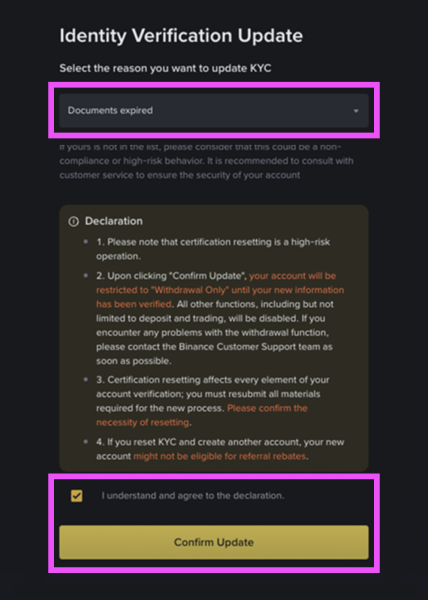
Go to KYC Reset Confirmation

Select "Documents expired," agree to the terms, and click the [Confirm Update] button.
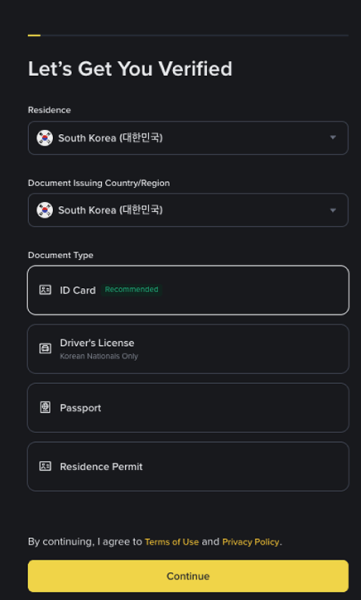
Go to the main screen after entering the KYC verification screen

When the KYC verification screen appears, press the back button to move to the main screen.
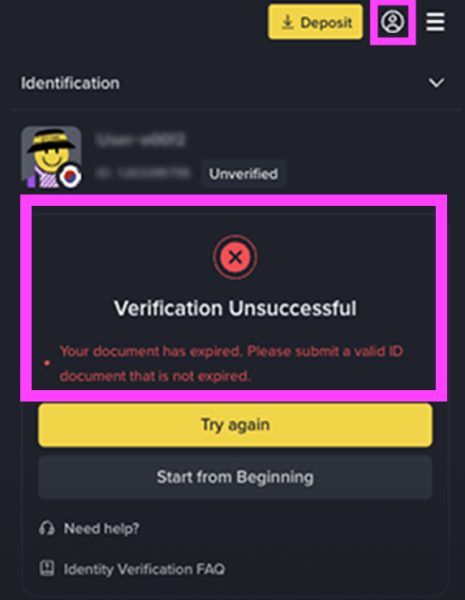
Check whether the integration is disconnected

Please select the person icon in the top right corner and check whether the Binance integration has been disconnected in the Account menu.

Re-register for Binance via Heymore

After signing up with an invitation code, please use a different verification method for re-registration. Using the same method may restrict KYC changes and integration.

KYC change complete

Once the new sign-up and verification are complete, the KYC change will be successfully applied.