
Cashback timing
Cashback accumulates after you sign up for an exchange and link it to your dashboard.
Cashback accumulates after you sign up for an exchange and link it to your dashboard.
After signing up for an exchange, upload your UID and a photo of your USDT (TRX) wallet address on the Heymore dashboard. The link will be completed within 1 hour.
Once you sign up for an exchange and link it to the dashboard, you can claim your refund through a cashback request after trading.
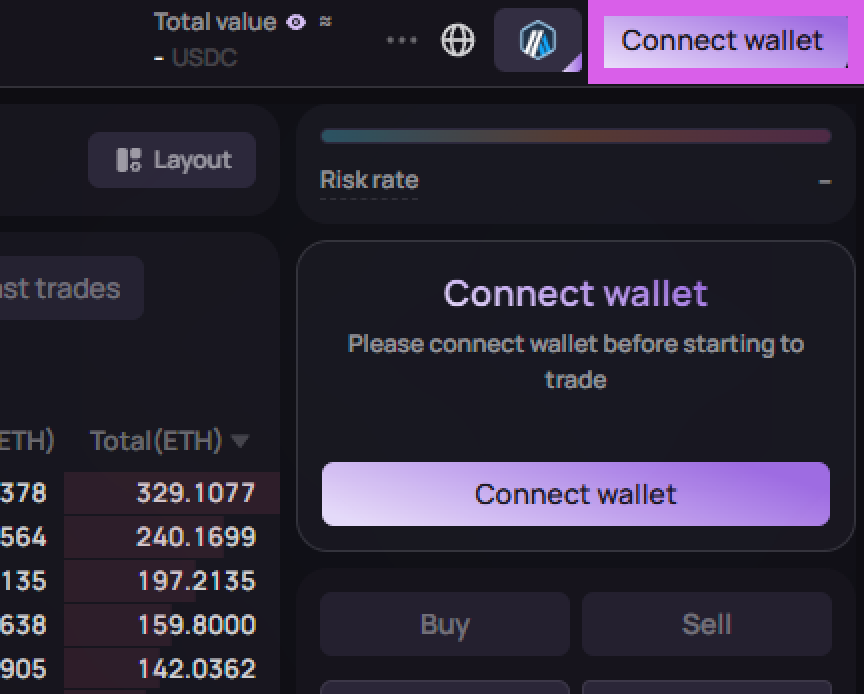
Click the [Connect wallet] button at the top right of the main page.
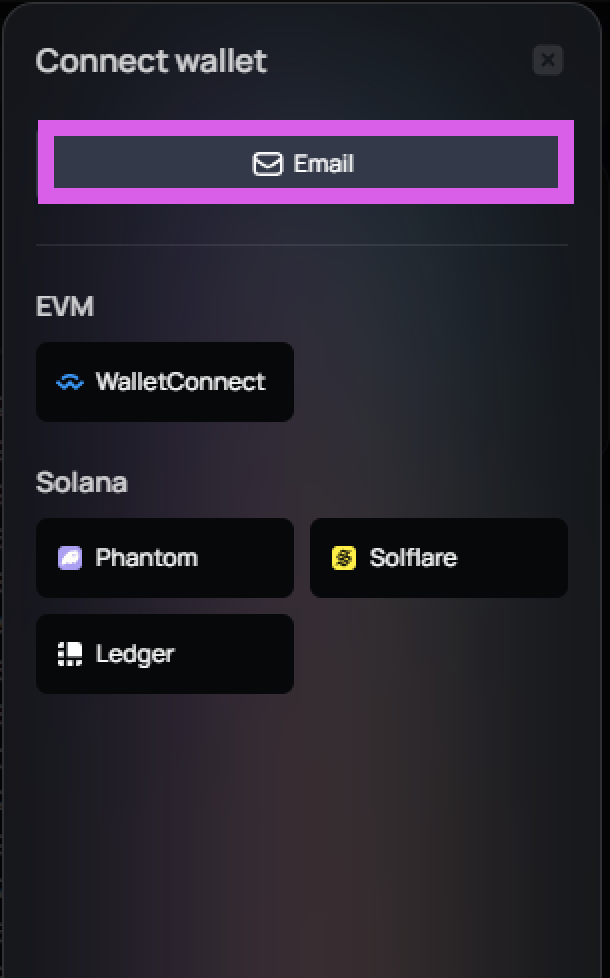
Please select email or another connection method.
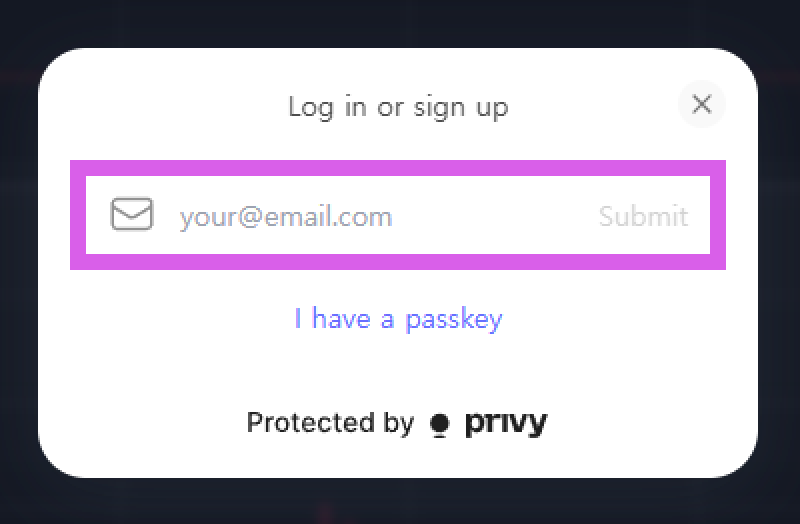
Please check your email and complete the verification.
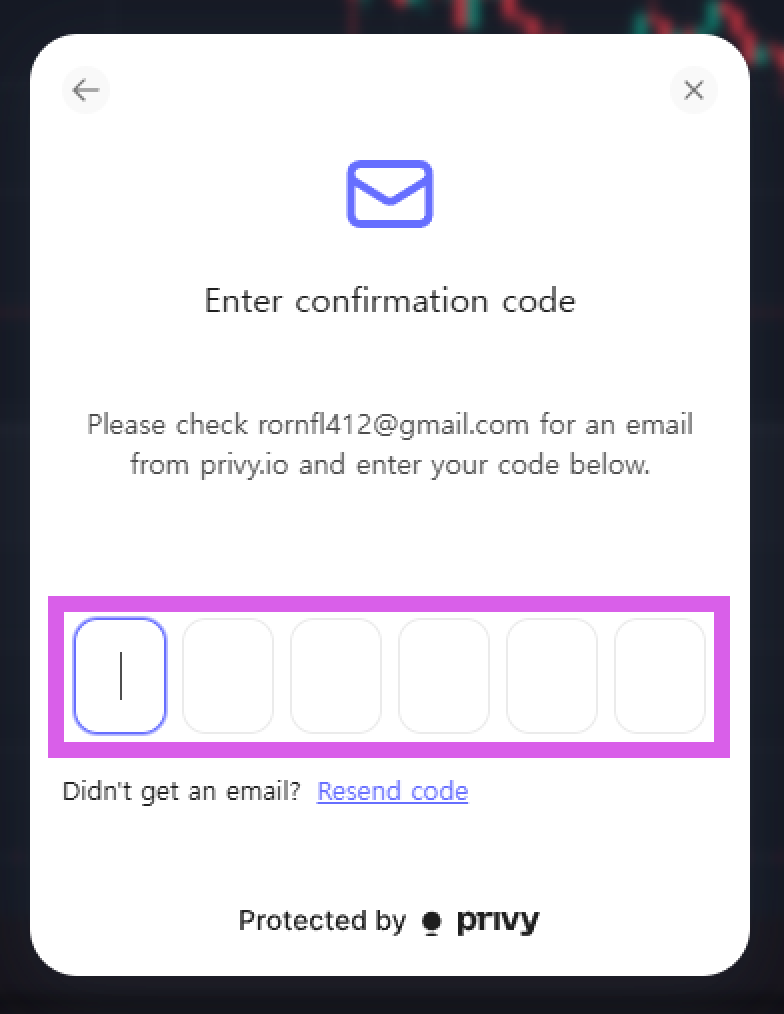
The connection will be completed once the verification is finished.