
Cashback timing
Cashback accumulates after you sign up for an exchange and link it to your dashboard.
Cashback accumulates after you sign up for an exchange and link it to your dashboard.
After signing up for an exchange, upload your UID and a photo of your USDT (TRX) wallet address on the Heymore dashboard. The link will be completed within 1 hour.
Once you sign up for an exchange and link it to the dashboard, you can claim your refund through a cashback request after trading.
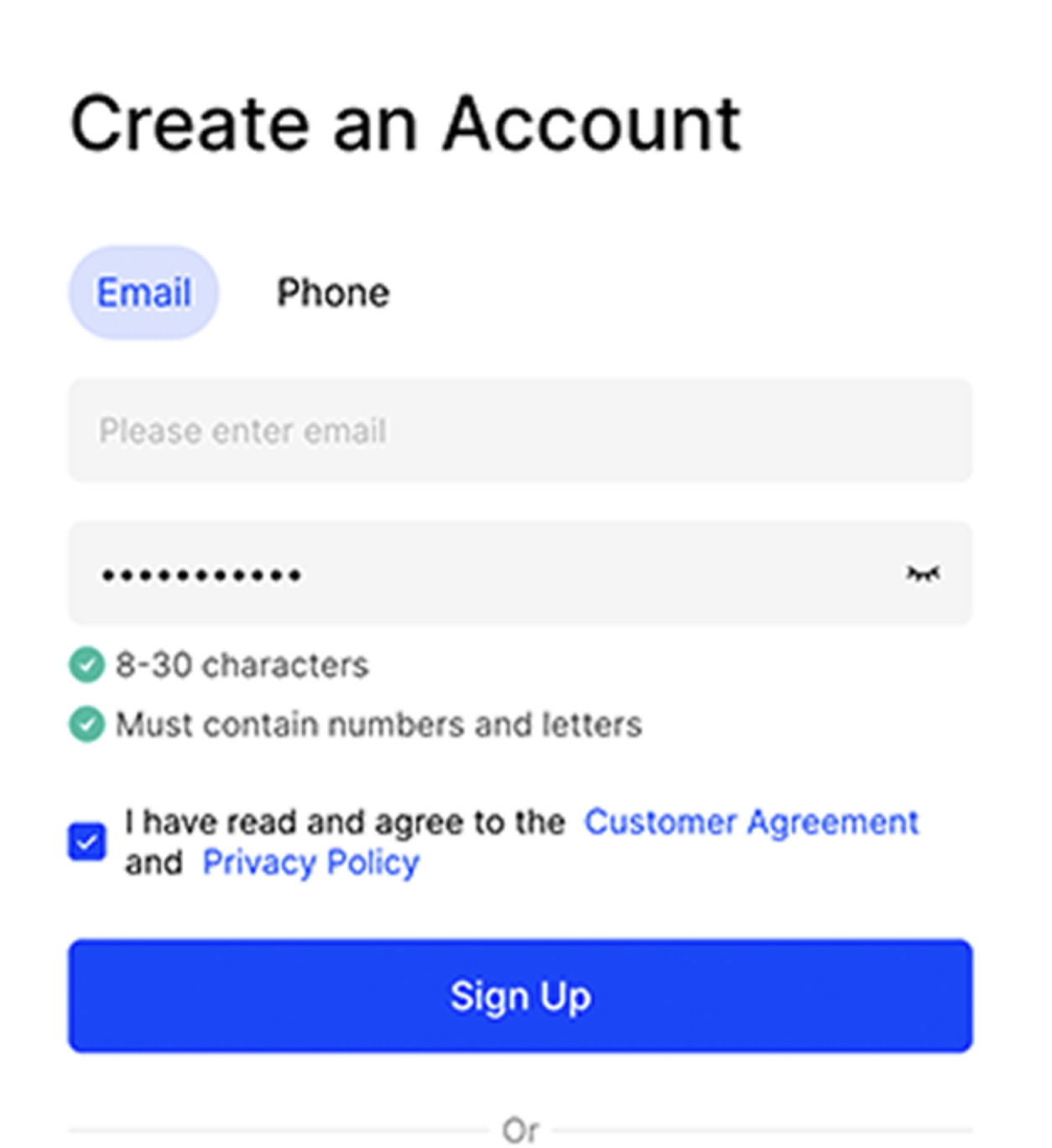
You can sign up using your email or mobile phone number. Please set a password of at least 8 characters, including both letters and numbers.
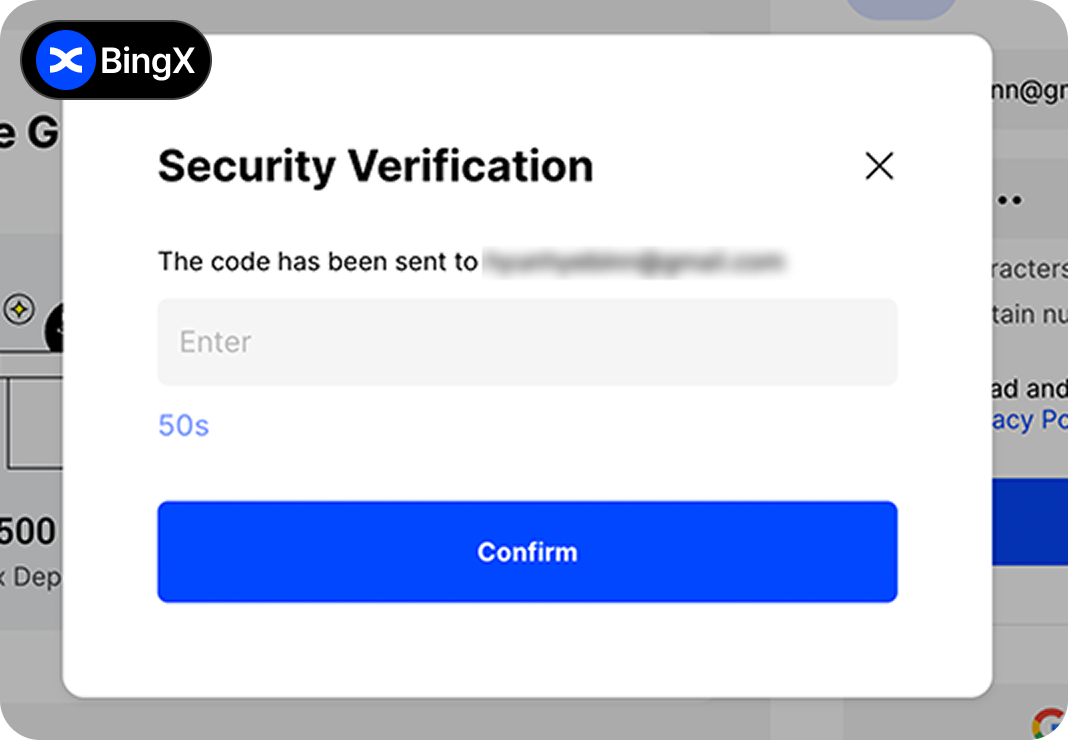
Please check the verification code sent to the email address you used for sign-up and enter it.
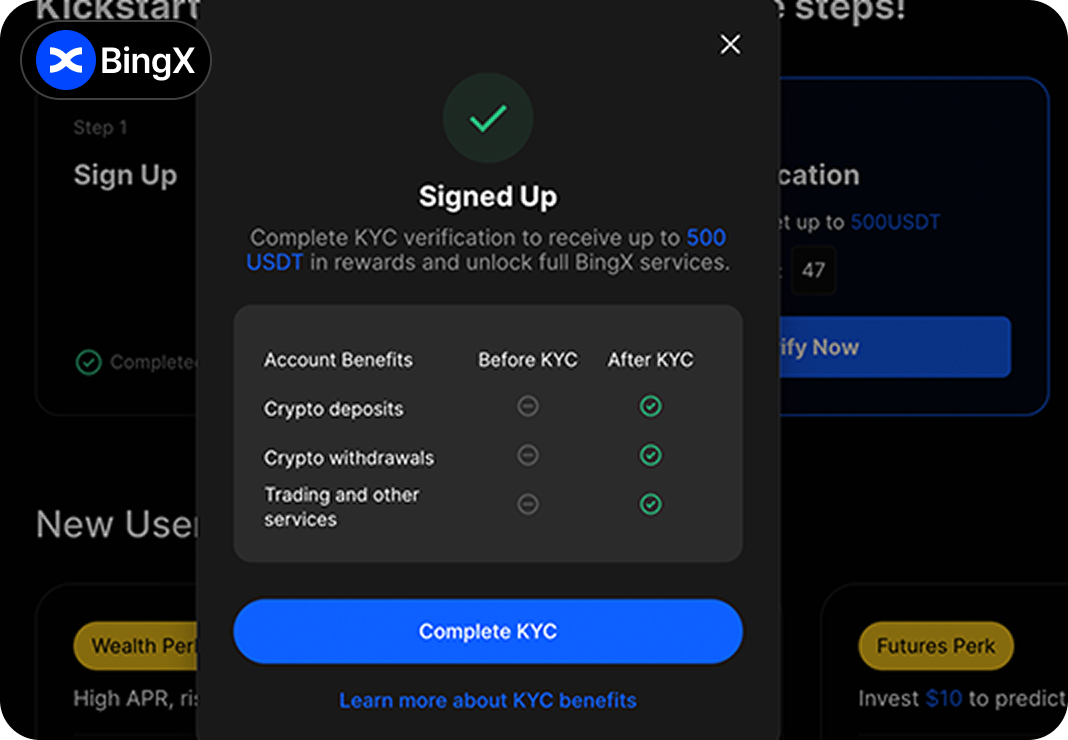
After completing the sign-up, you need to enter a referral code.
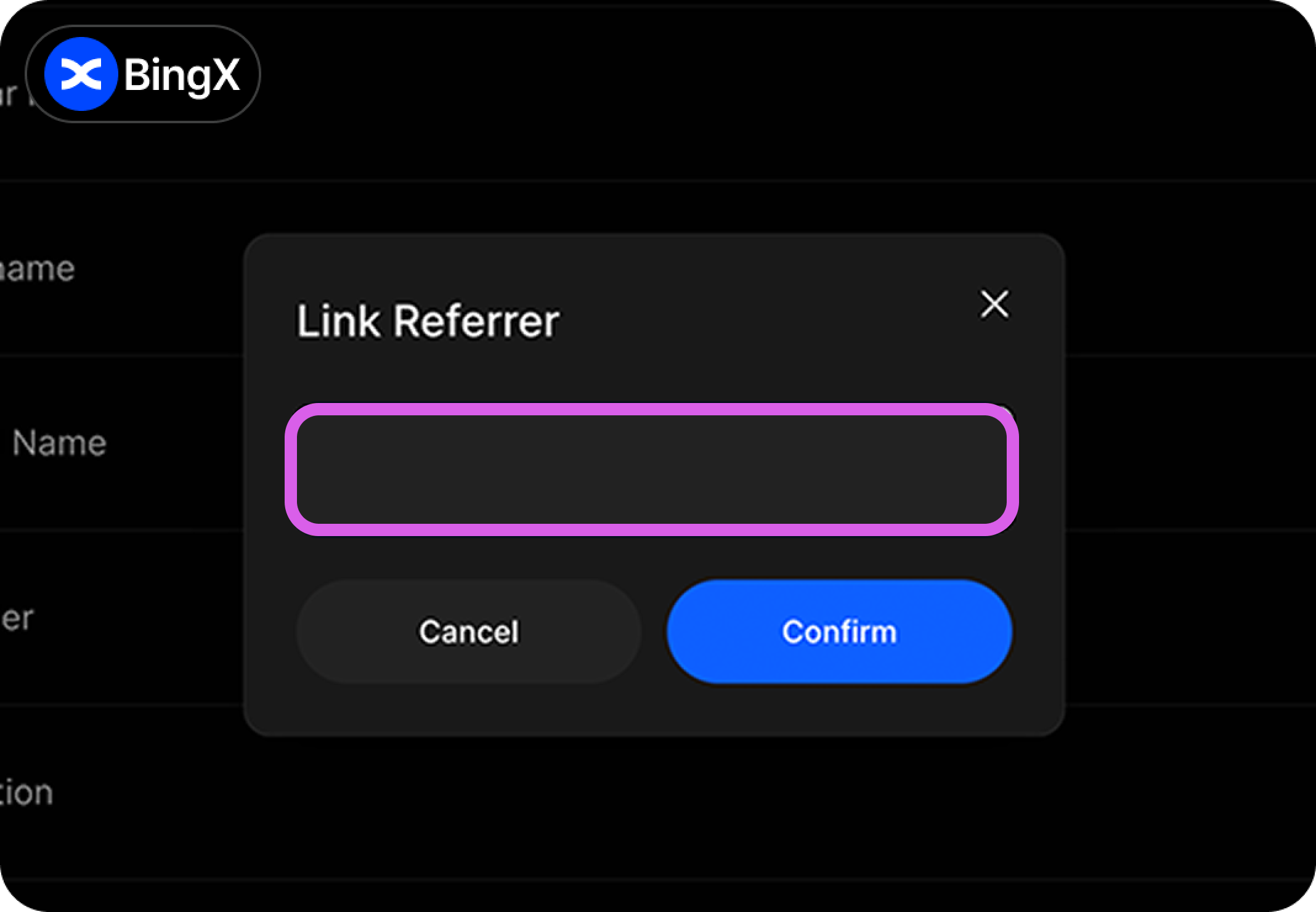
Click the person icon, then go to Personal Information -> My Referrer and enter "Heymore."
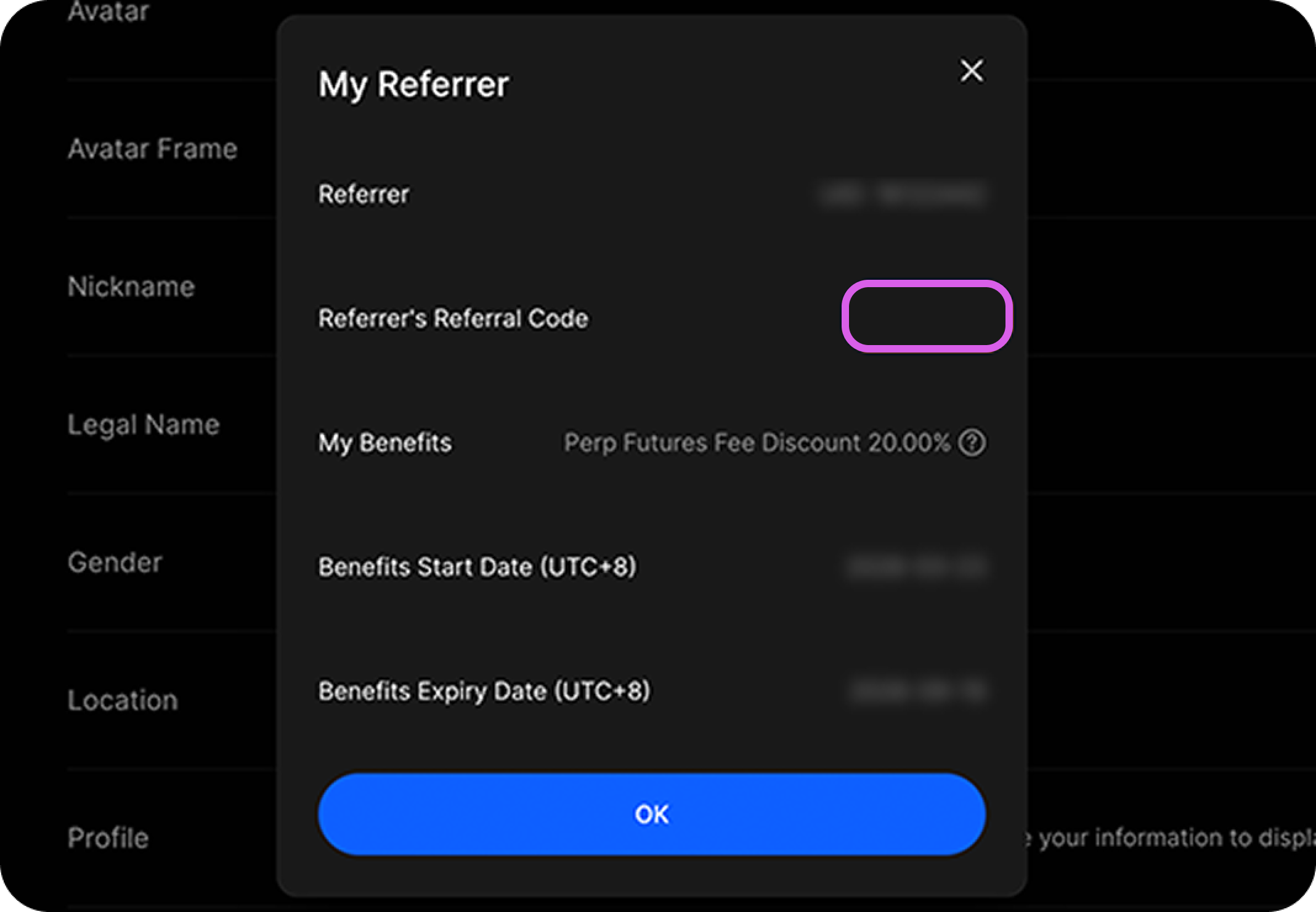
If the "Heymore" code is entered in My Referrer, your sign-up with the referral code has been successfully completed.
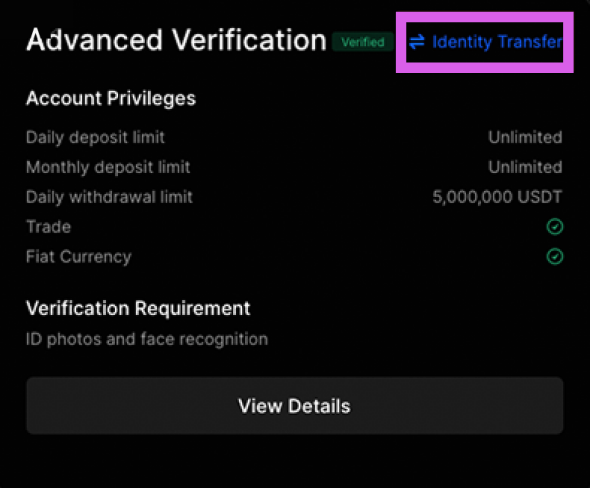
Click the profile icon, then go to Identity Verification -> Identity Transfer.
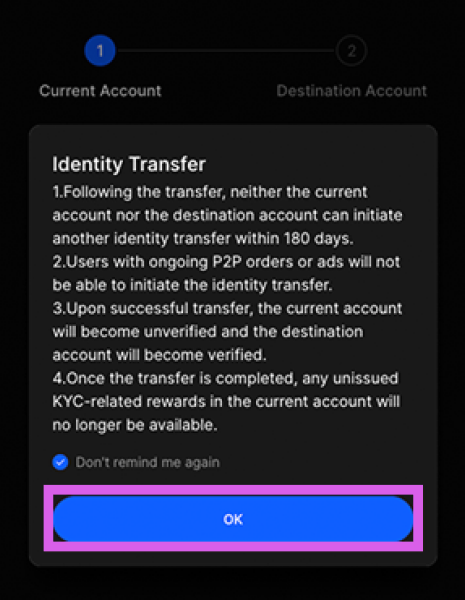
Please review and agree to the terms and conditions.
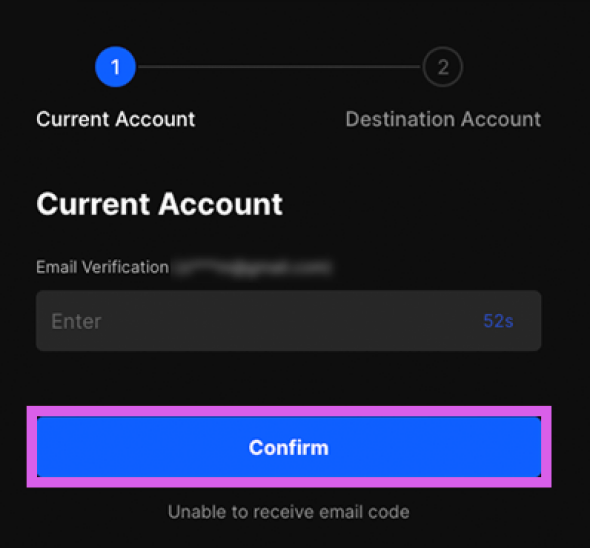
Please verify the account you are currently using.
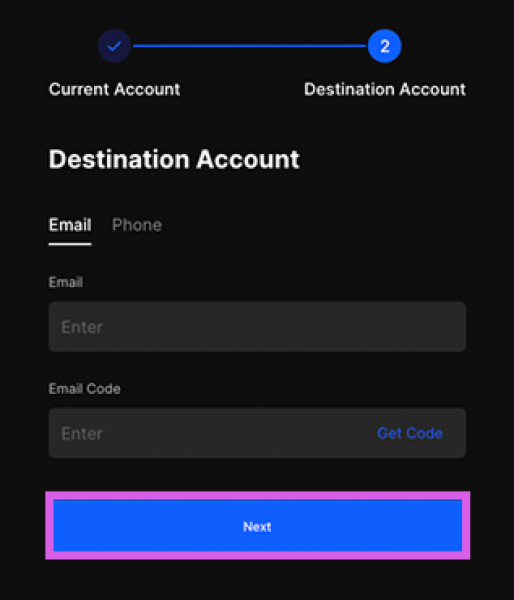
Please enter the account information registered with the Heymore code, then enter the verification code.